ItchLog
An eczema diary — tap where it itches on a body map, and log meals and daily habits in a few taps.
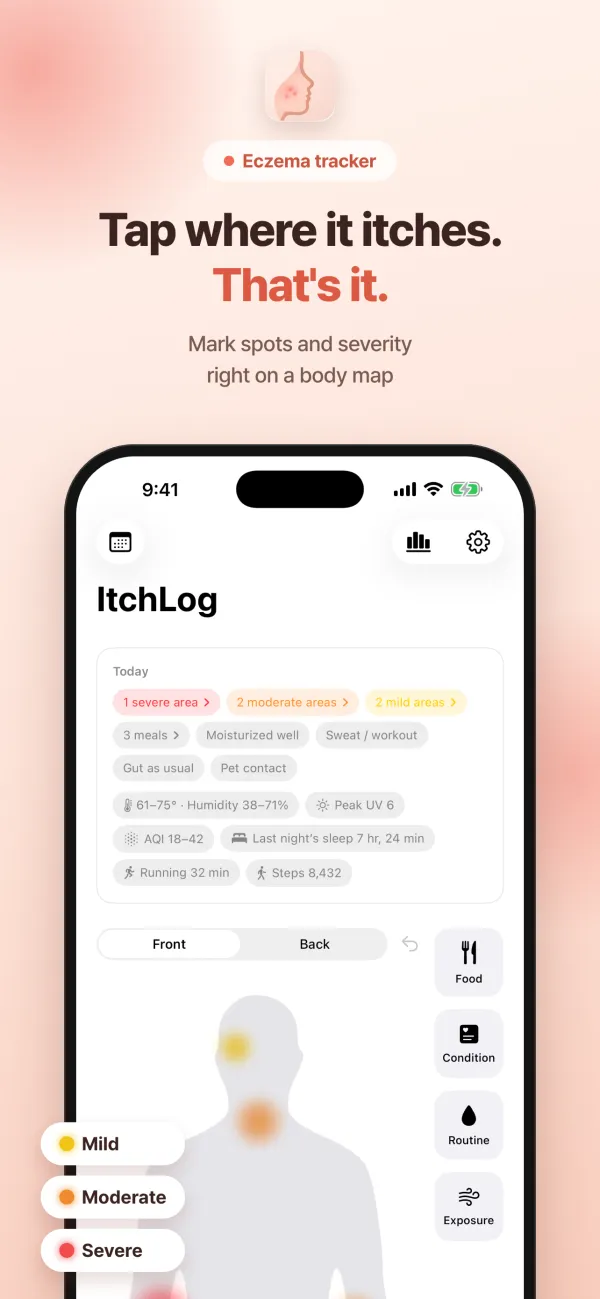
ItchLog is a diary for eczema-prone skin. Tap any spot on the front or back body map to mark where it itches, and tap again to switch between mild, moderate and severe. Long-press a mark to attach a photo of that exact spot, and if today looks like yesterday, “Same as yesterday” brings yesterday’s marks back with one tap.
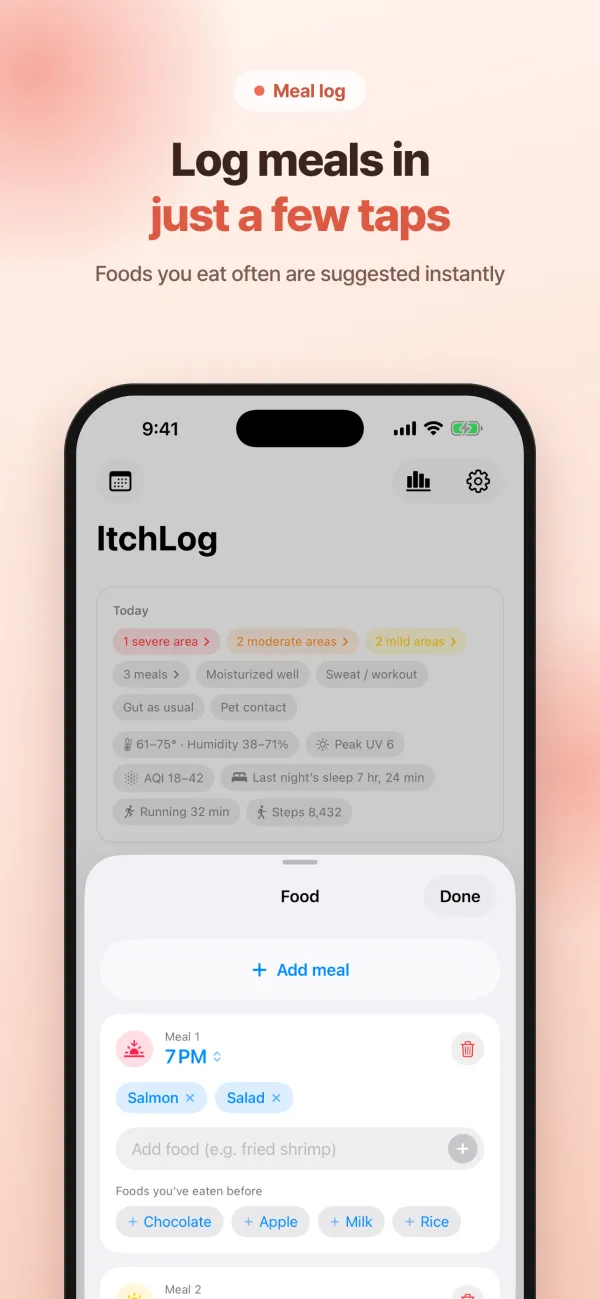
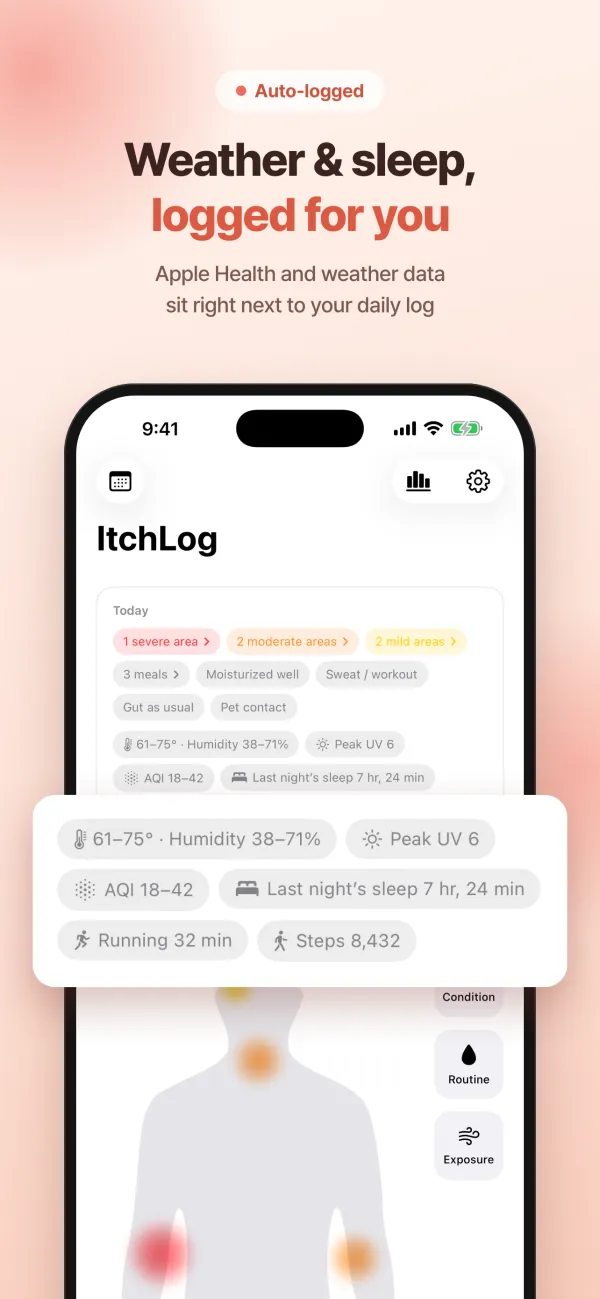
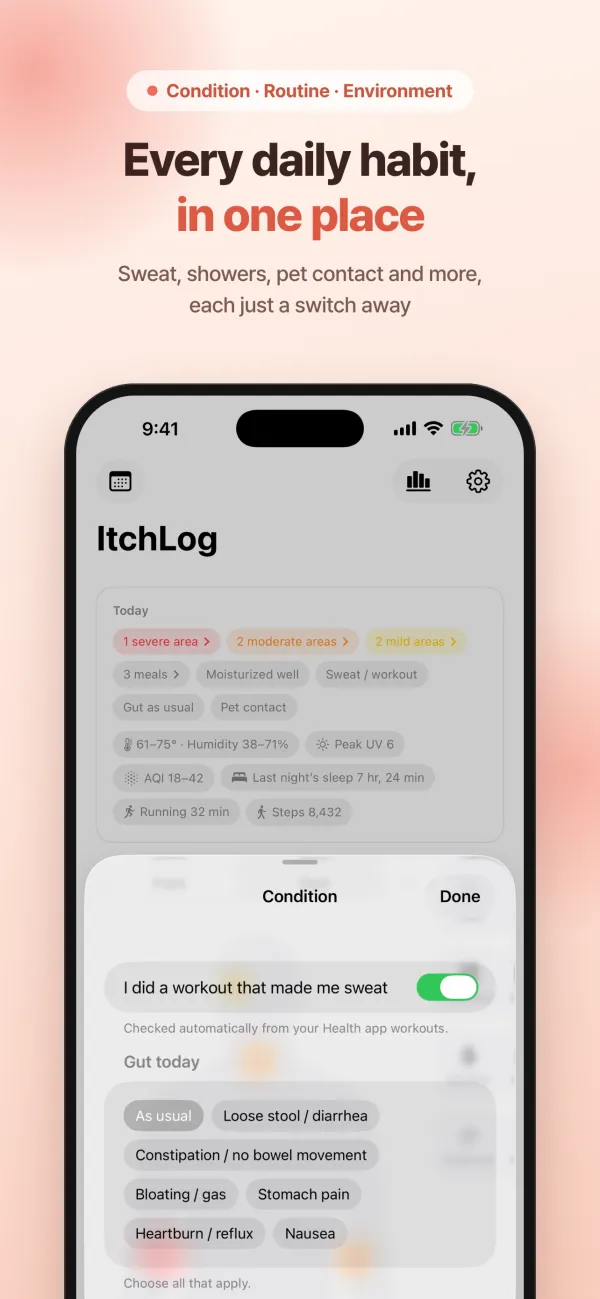
Log what you ate at each meal, with foods you eat often suggested instantly. Check sweat & workouts, gut condition, moisturizing, hot showers and new skincare or detergents — plus pollen, alcohol, pets, dust, secondhand smoke, wool & synthetic fabrics, and travel or nights away. Connect Apple Health and your sleep, workouts and steps log themselves; allow location and so do temperature, humidity, UV index and air quality.
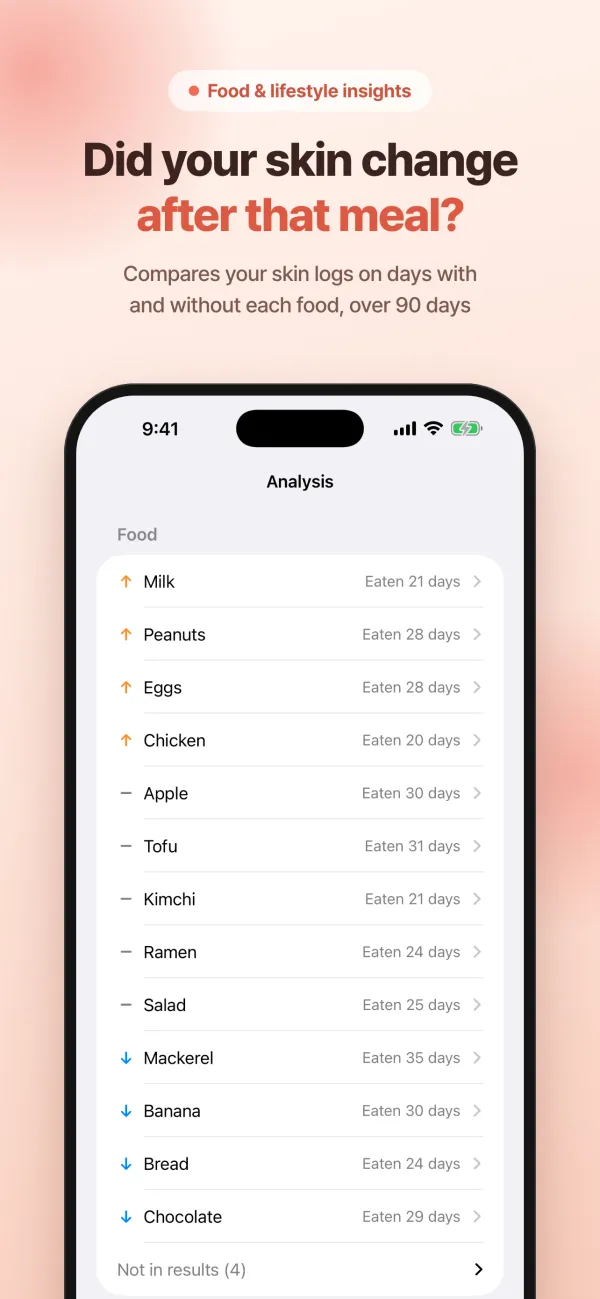
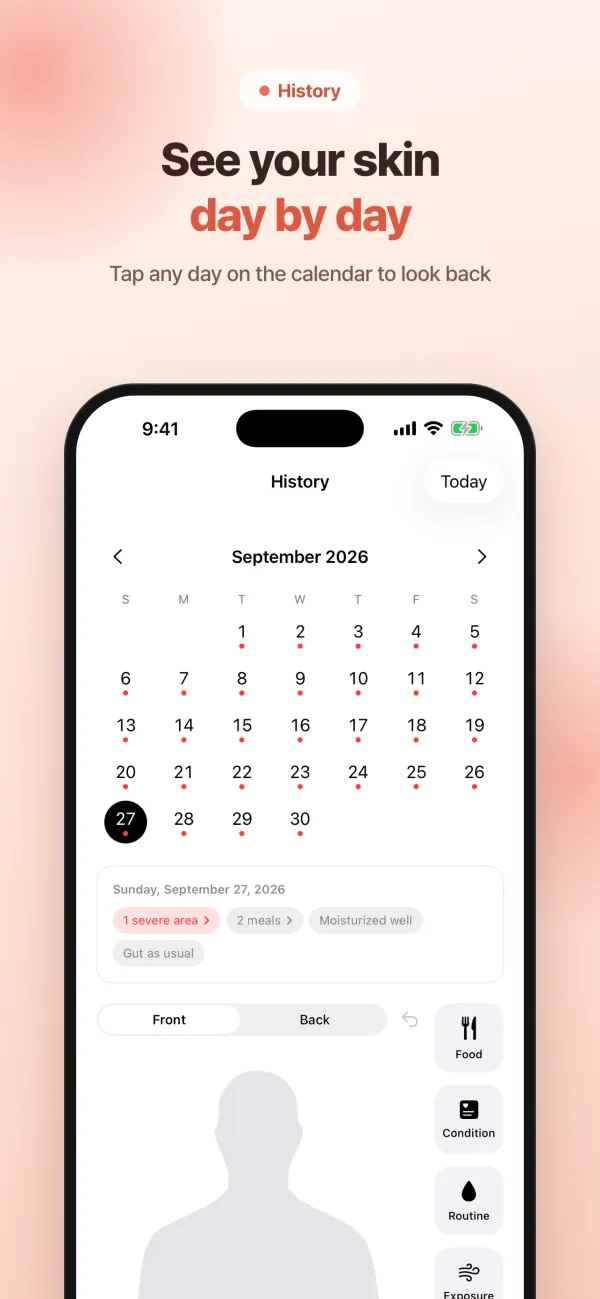
As your logs build up, you can compare your skin logs from the last 90 days on days with and without each food or habit. All calculations happen on your device. Look back anytime on the calendar to review or edit a day, and turn on an optional once-a-day reminder.
There are no ads. Sign in with Apple, Google or email, and your logs follow you to a new device. ItchLog is a monthly or yearly subscription that starts with a 7-day free trial.
Note: ItchLog is a logging tool and does not provide diagnosis or treatment. Comparisons are observations, not causes. If you’re concerned about your symptoms, talk to a healthcare professional.
Support
Questions or problems? Email smhwang0715@gmail.com. We usually reply within 2–3 business days.
How do I cancel my subscription?
Open the iPhone Settings app → your name (Apple Account) → Subscriptions, or go to your account settings in the App Store app. In ItchLog, Settings → Manage Subscription takes you to the same screen. Deleting your account does not cancel your subscription, so cancel it separately.
How do I restore my purchase?
In ItchLog, tap Settings → Subscription → Restore Purchases. The subscription screen also has a “Restore Purchases” button. Make sure you’re signed in with the Apple Account you subscribed with.
How do I delete my account and data?
Go to Settings → Delete Account in ItchLog. After you sign in once more to confirm it’s you, all your logs and photos are permanently deleted right away. If you can’t do this in the app, email us at the address above.
Will my logs move to a new device?
Yes. Sign in on the new device with the same account (Apple, Google or email) and your logs carry over.
Why does ItchLog ask for Health and Location access?
Health access is used only to log your sleep, workouts and steps automatically, and Location only to log your area’s weather, UV index and air quality. You can use the app without connecting either, and you can turn access off anytime in iPhone Settings.